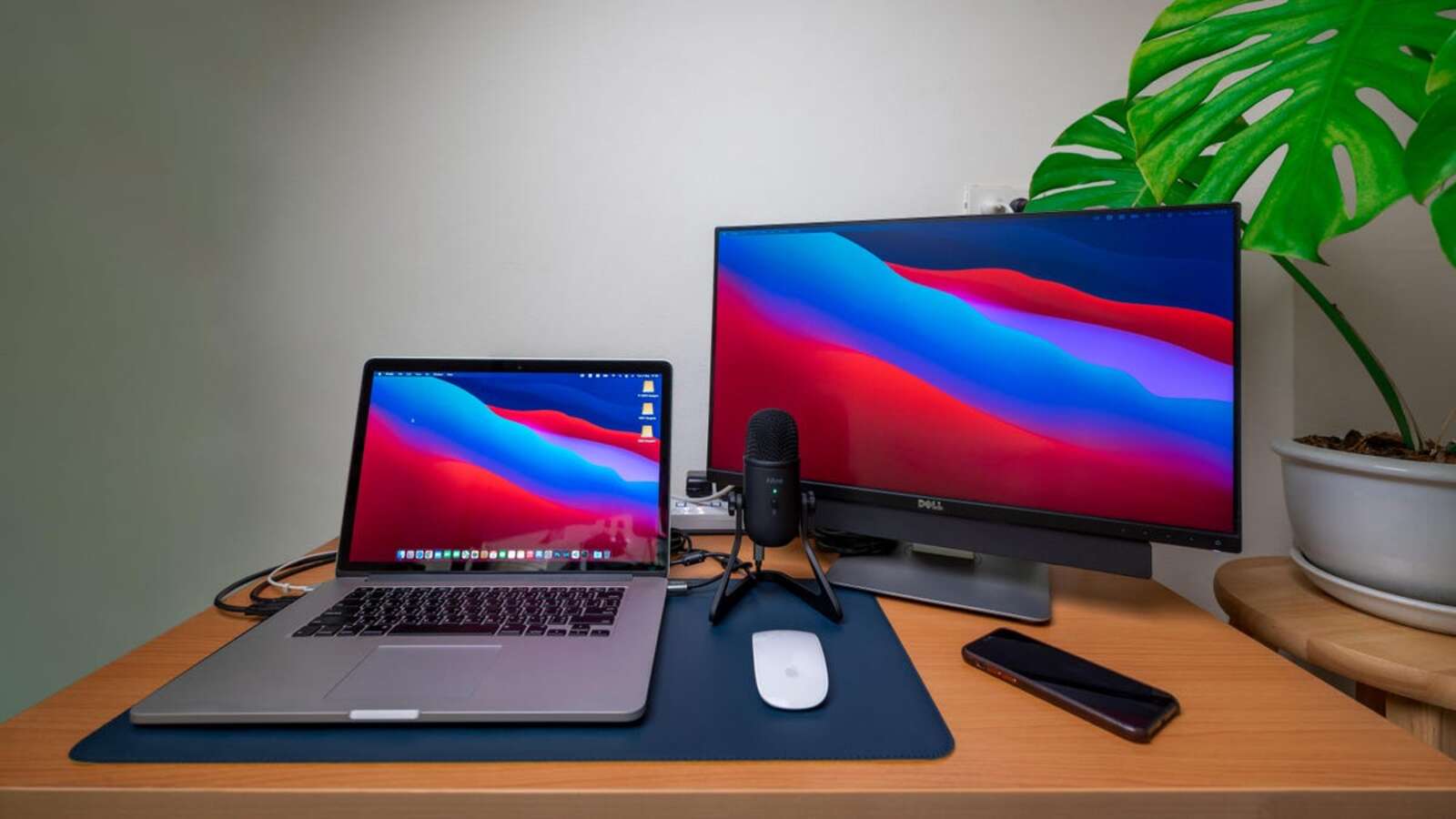
Use This App to Control External Displays From Your Mac
When you use an external display with your Mac, you’re forced to fiddle with clumsy buttons on the monitor to adjust brightness, volume, and other […]
Continue reading »Let Everything Be Better
When you use an external display with your Mac, you’re forced to fiddle with clumsy buttons on the monitor to adjust brightness, volume, and other […]
Continue reading »
When your iPhone is acting up, the best first step is to reboot. A simple reboot often resolves temporary errors and crashes for all devices, […]
Continue reading »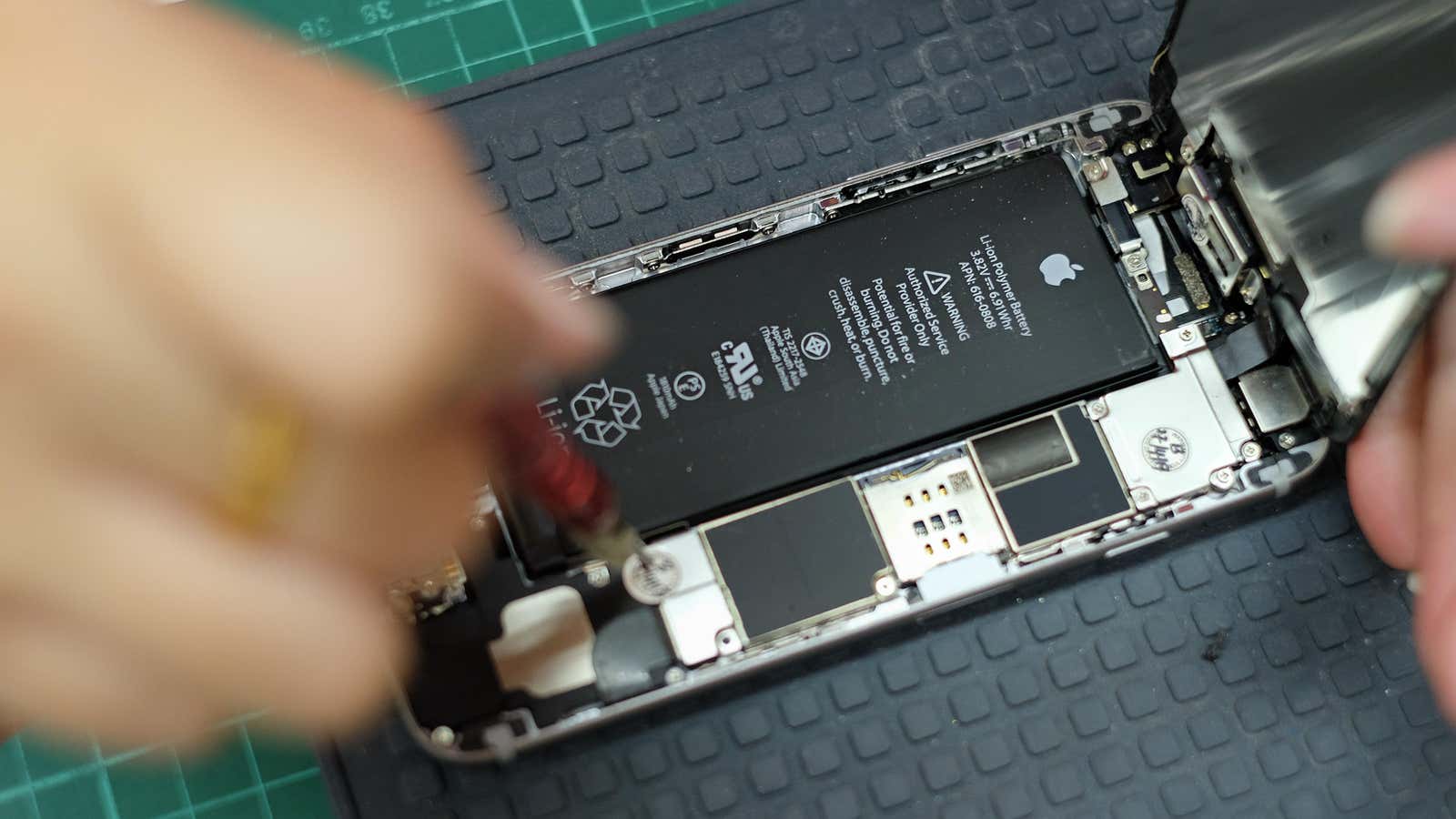
Smartphones are so good these days that you can use them for years without updating them. While companies like Apple try to make their newest […]
Continue reading »
As a frequent flyer, you often drop your bags with an airline only to hope and pray you never hear the four most terrifying words […]
Continue reading »
As you look forward to a new year and new beginnings in all areas of your life, your technology should not be ignored. Taking a […]
Continue reading »
Just like you maintain your car to keep it running smoothly, having your iPhone checked out annually can prevent a lot of problems in the […]
Continue reading »
When you move from Windows to Mac , it’s hard to get used to the way macOS closes apps. On Windows, you press the red […]
Continue reading »
The Notes app on the iPhone has a pretty nifty document scanner built into it. It does a great job of automatically detecting the edges […]
Continue reading »
Your iPhone has some great anti-theft features that make it harder for a thief to use the device. Even if someone wipes your phone, they’ll […]
Continue reading »
Unlike Firefox and Chrome, it’s not easy for Mac users to find good ad blockers for Safari. Apple has certain restrictions (such as using the […]
Continue reading »
Modern MacBooks generally don’t suffer from battery life issues, but when you encounter unexpectedly high drain, it can be difficult to diagnose the problem. Sleep […]
Continue reading »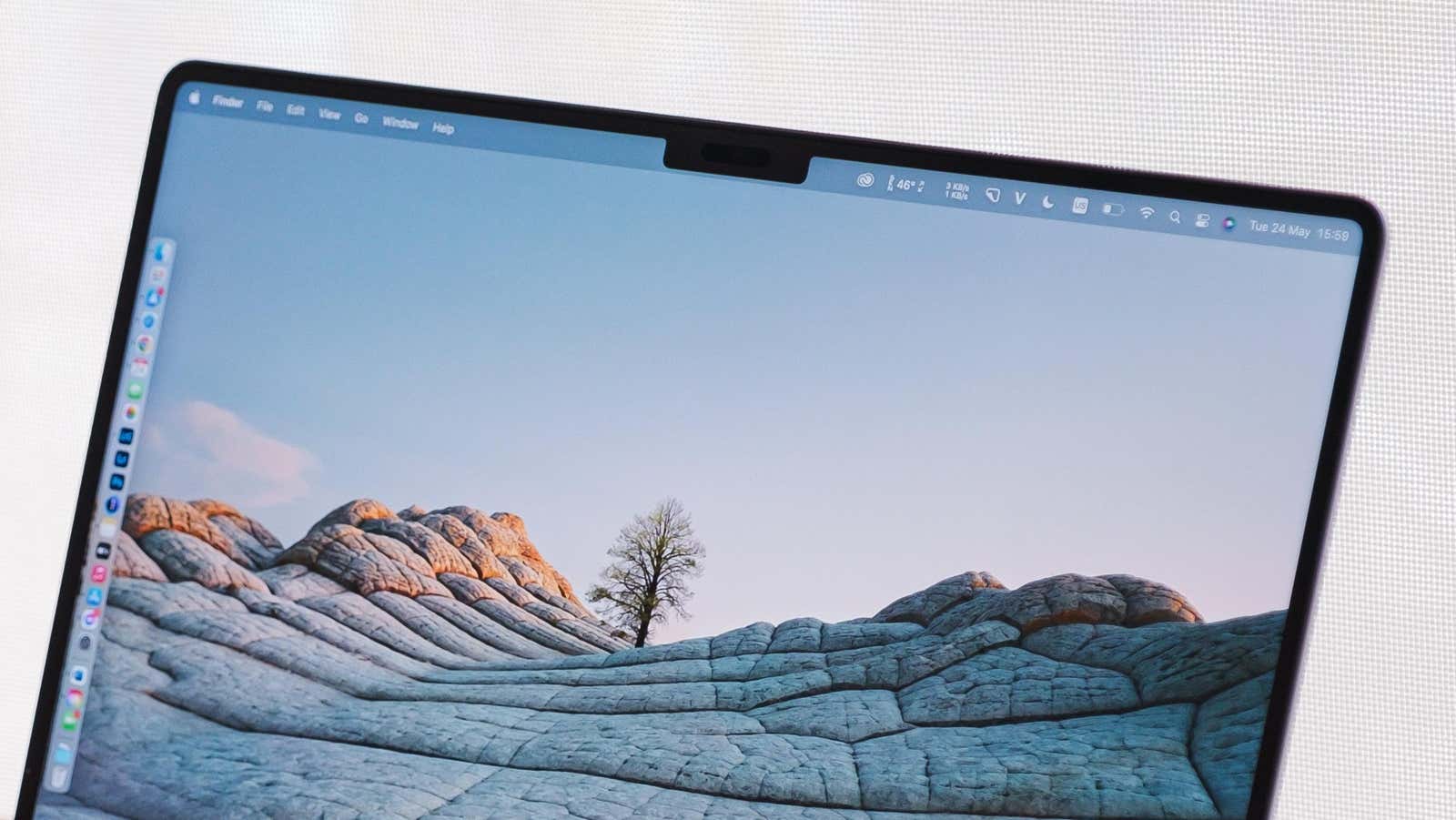
You know all about how to set up your Macbook’s dock , but you’re also on the menu bar. Some of your Mac’s best apps […]
Continue reading »
Today, after seven weeks of beta testing , Apple released the latest build of the iPhone operating system, iOS 16.2. The free update brings some […]
Continue reading »
If you’re buying Apple devices as last-minute gifts this holiday season, there’s an easy way to figure out if you still have time to get […]
Continue reading »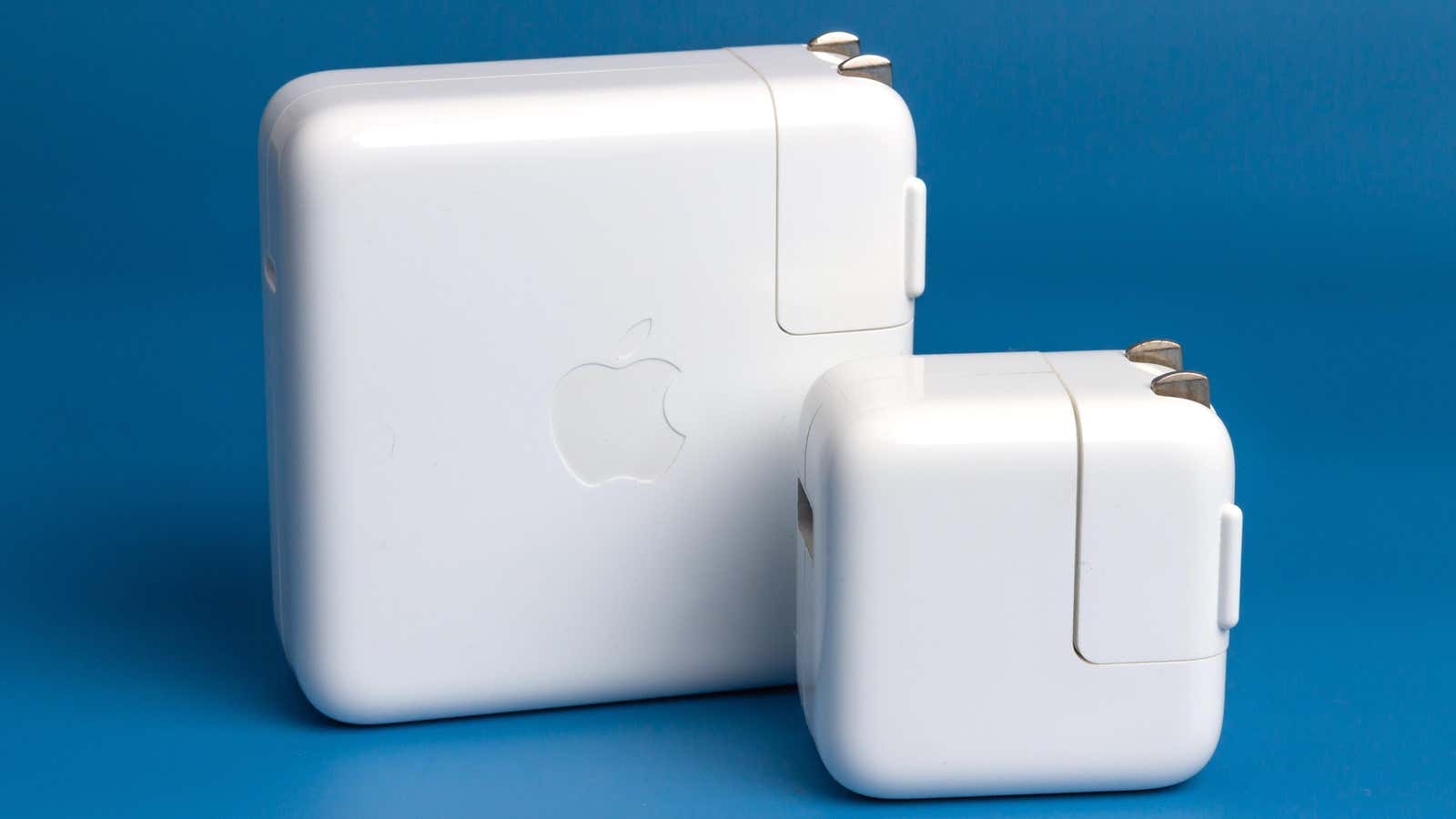
Whether you have a MacBook, MacBook Air, or MacBook Pro, your charger probably has one fatal flaw: the plug. The power adapter should plug directly […]
Continue reading »
Apple prides itself on being privacy first, and when it comes to devices like the iPhone and Mac, that’s true. But Apple’s iCloud backups are […]
Continue reading »
Love Apple or hate it, we can all agree on one thing: their products are expensive . Apple iPhones can cost upwards of $1,000, and […]
Continue reading »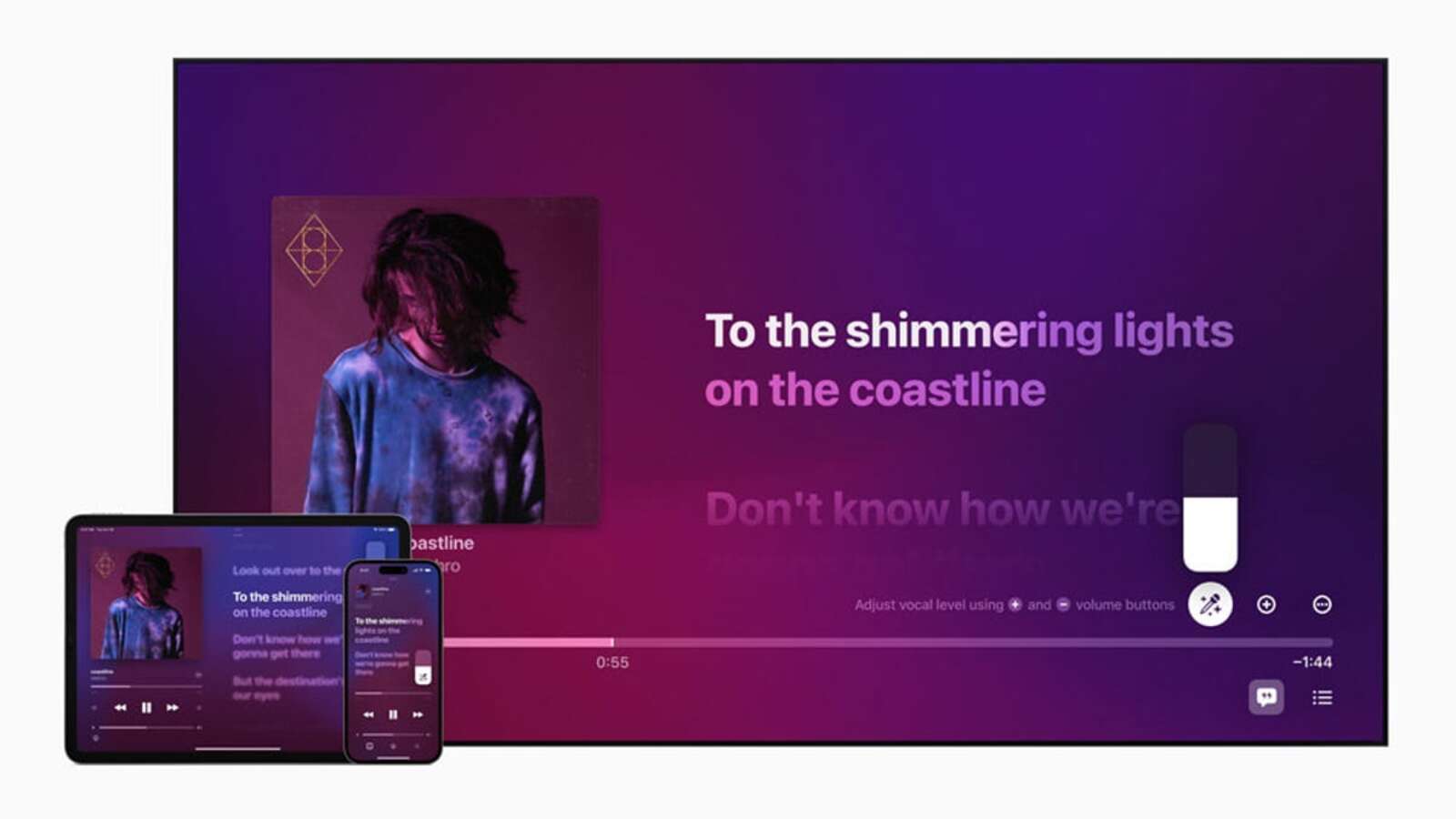
We all have songs we need to sing along to—whether they appear on the radio, on a streaming playlist, or on the Sonos speaker in […]
Continue reading »
Many of us have been using the iPhone since the beginning, and its “hidden” or “secret” features have been known to us for ages. But […]
Continue reading »
Your iPhone and Apple Watch want to keep you safe, but sometimes they overdo it. To save your life in the event of a car […]
Continue reading »
MacBooks, for the most part, have been known for having some of the best keyboards in the business. For the most part . However, from […]
Continue reading »
I love Apple Music, but I confess that every year around this time, I envy the fact that everyone has a Spotify Wrap. Apple Music […]
Continue reading »
Spotify and Apple Music can be great music discovery tools, but they don’t do a great job of telling you who you’re listening to. You […]
Continue reading »
If you have a great Apple Music playlist for holiday parties, but it includes a few tracks that are not suitable for ears of all […]
Continue reading »
Browsing the Internet has its dangers. Some websites are almost unusable due to pop-ups, ads, or poor design. If you come across these sites often, […]
Continue reading »
It’s true that iOS isn’t as customizable as Android, but the gap is much smaller than it used to be. These days, you can personalize […]
Continue reading »
Zip files are a useful but cumbersome solution for compressing multiple files together. They come in many different ways – a photo archive for a […]
Continue reading »
There are many ways to launch apps on your Mac – you can pin apps to the dock for starters, or use Spotlight to find […]
Continue reading »
After a long decade, the iPhone finally added a downloader to Safari with iOS 13 so you can download files and have them automatically saved […]
Continue reading »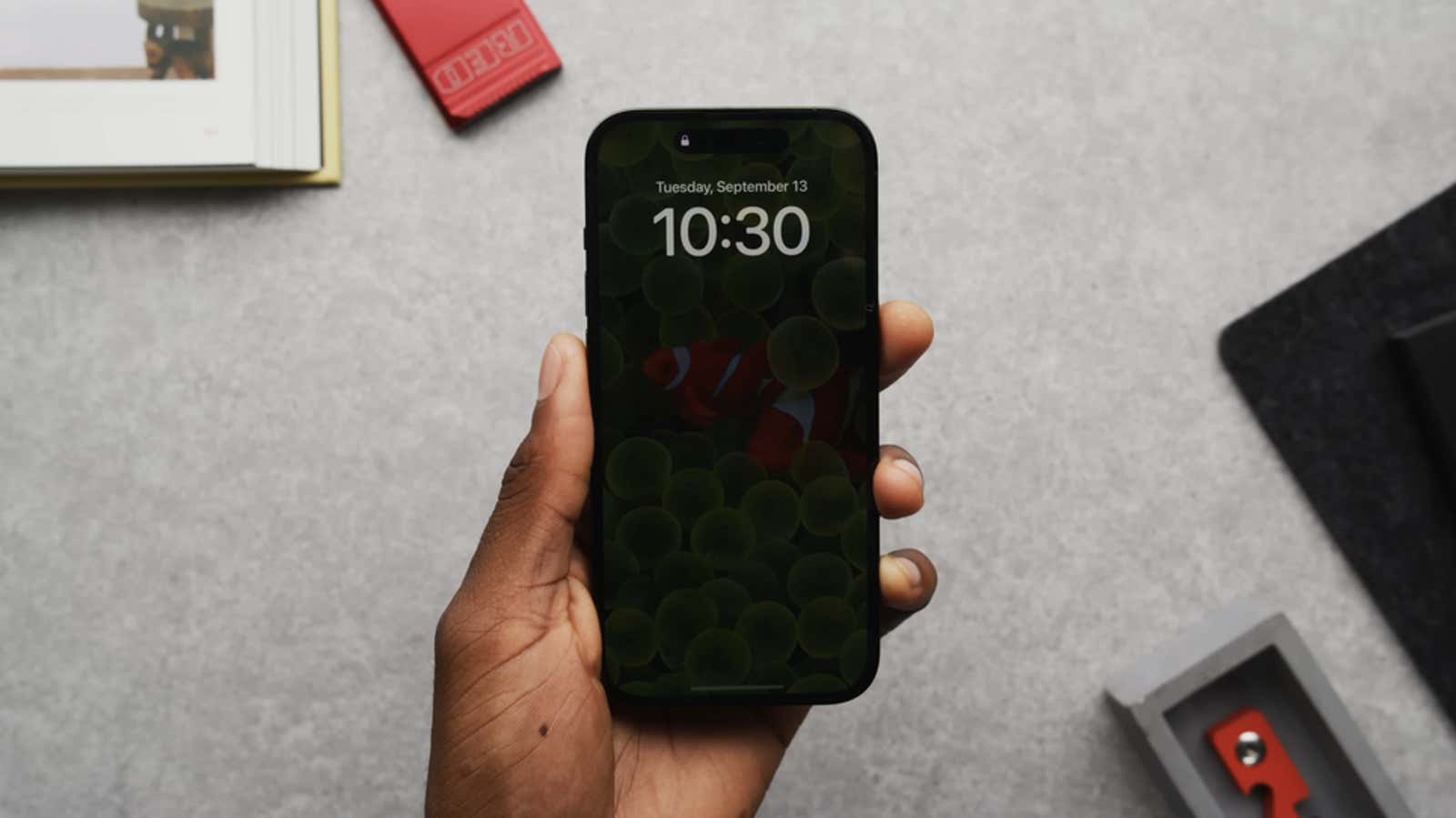
iPhone 14 Pro and iPhone 14 Pro Max feature Always-On Display (AOD), which lets you check the time without activating the entire screen. This feature […]
Continue reading »
Once an essential tool in your iPhone productivity arsenal, Spotlight has become almost unusable in iOS 16. Sometimes it displays search results almost instantly, but […]
Continue reading »
Some Mac users have a single administrator account on their machines. There is nothing wrong with this if you are the only person using the […]
Continue reading »
Who remembers the games that came with classic iPods? You can participate in a pixel war in Parachute , break blocks in Brick , play […]
Continue reading »
While Safari doesn’t have as many extensions as Firefox or Chrome , there are some great add-ons that you’ll soon wonder how you ever lived […]
Continue reading »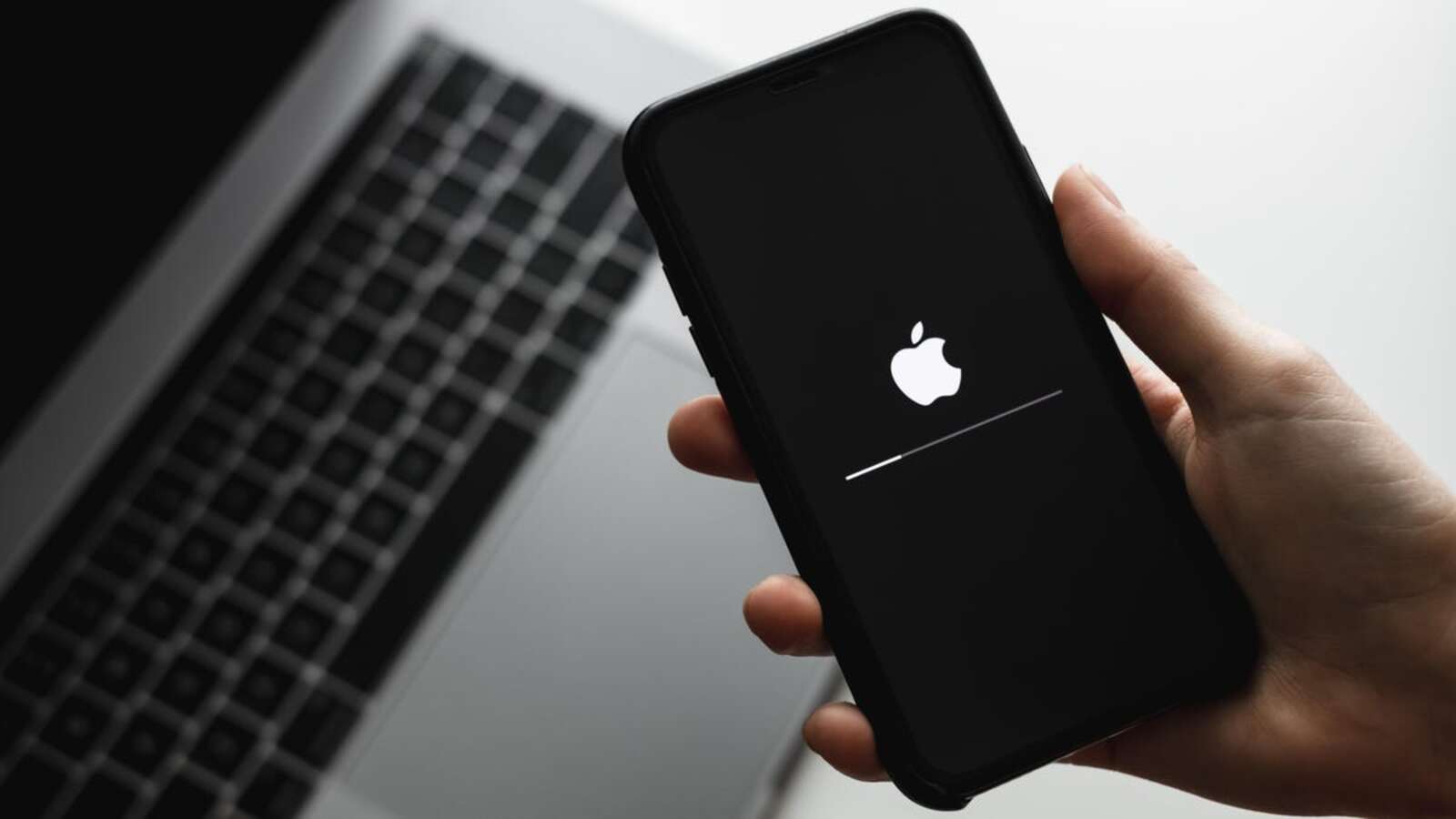
Updating your iPhone is annoying. Yes, updates are often full of new features and changes that make an update worth it, but it can be […]
Continue reading »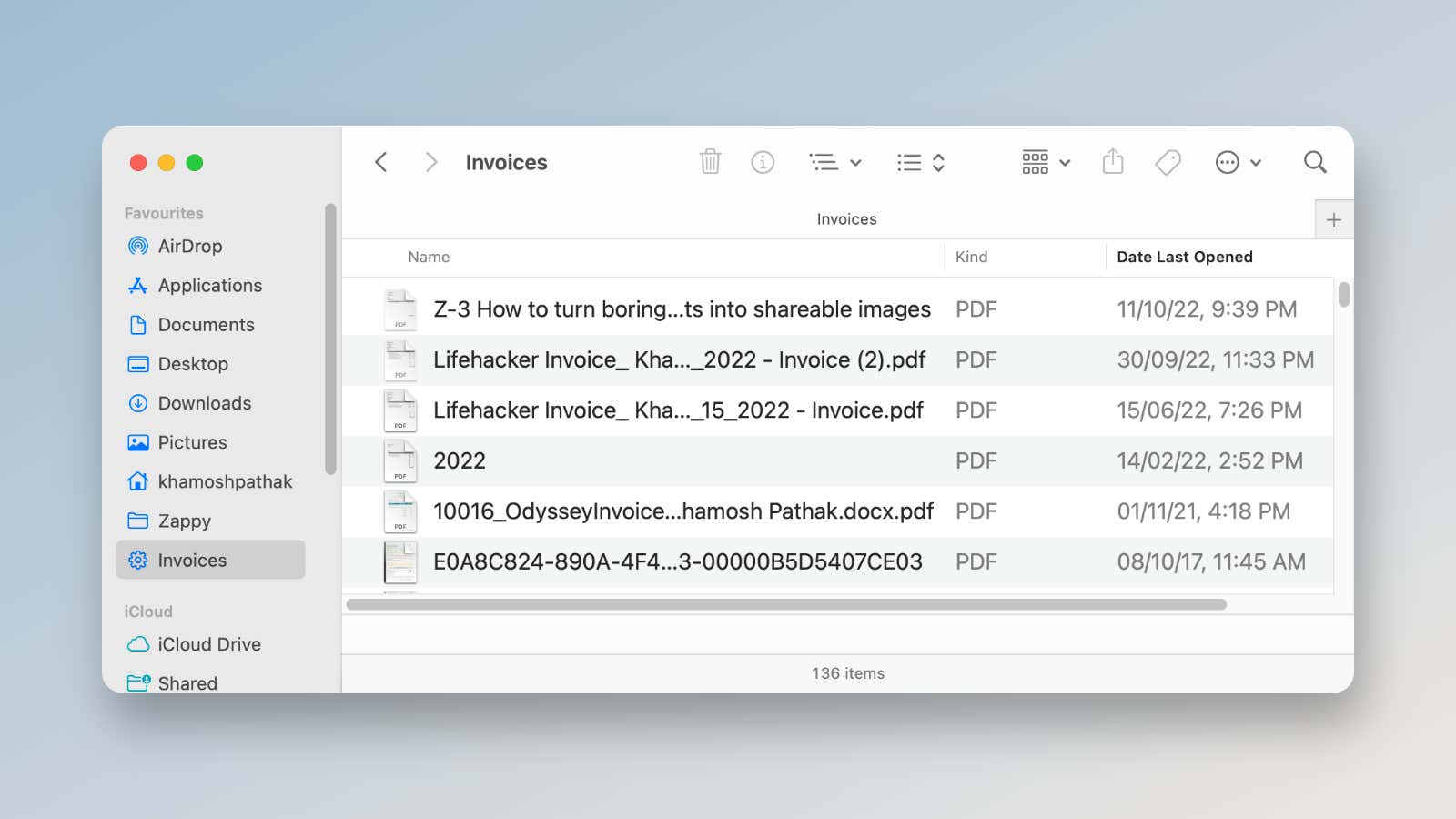
Smart Folders are the hidden gems of macOS that have been around since the days of Mac OS X. You can think of them as […]
Continue reading »
If you want to block out ambient noise or just like white noise in the background while you work, you should try your Mac’s white […]
Continue reading »
Every year, Apple adds a few new features that make third-party apps redundant. It’s so common that there’s a term for it – Sherlock – […]
Continue reading »
The Apple Focus feature is a great way to bring all of your Apple devices together to match your current activities. If you’re at work, […]
Continue reading »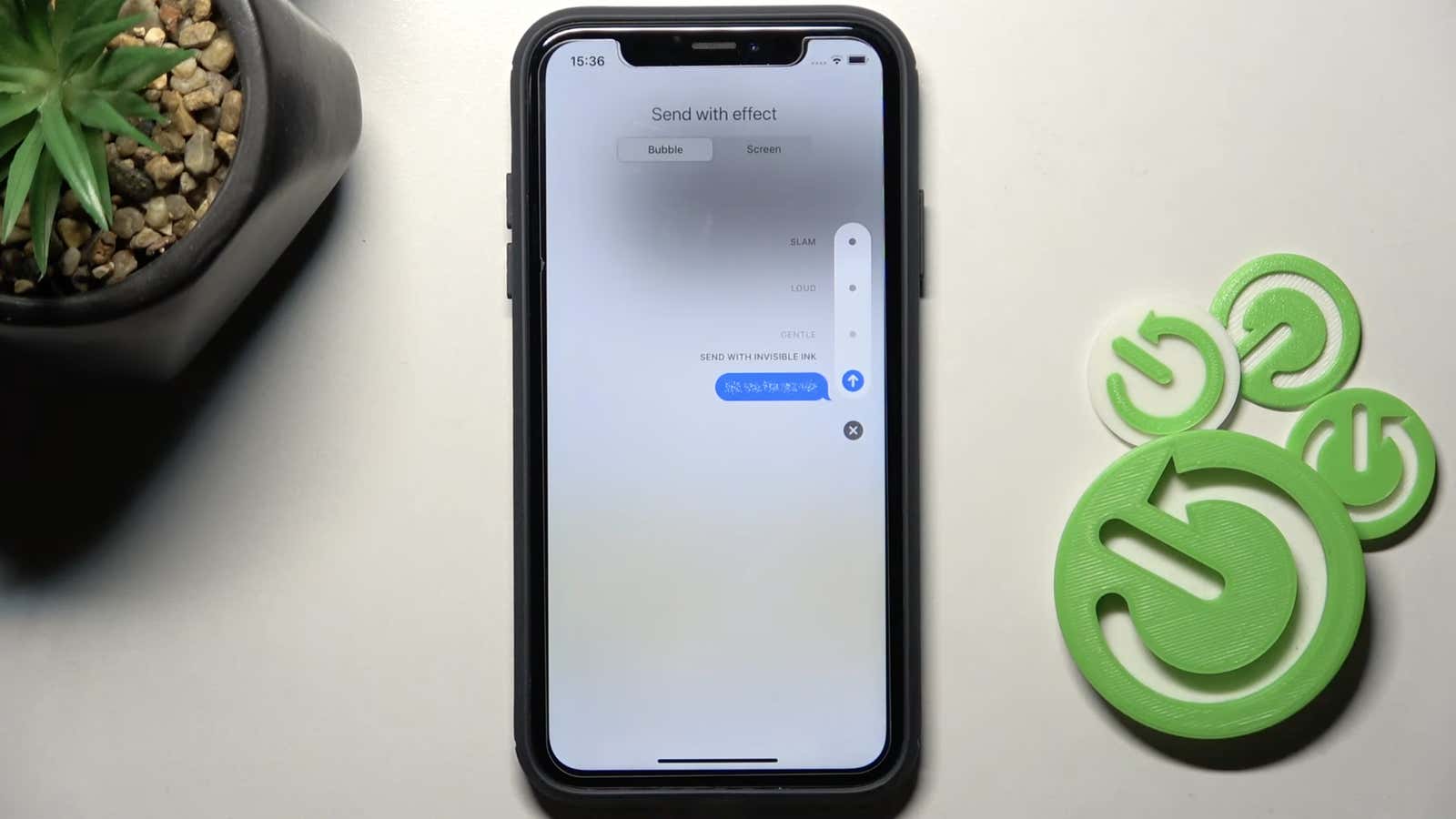
Putting secrets into texts is a risky business. Email is almost certainly banned, as is traditional SMS. Encrypted text messages like iMessage are better , […]
Continue reading »